How to Use fake.legal
Get a private, disposable inbox in seconds — no sign-up, no personal data, no hassle. Follow these 5 simple steps.
Get My Free InboxReady in under 30 seconds
Protect your real email from spam, trackers, and unwanted newsletters — instantly.
Your inbox is ready the moment you arrive
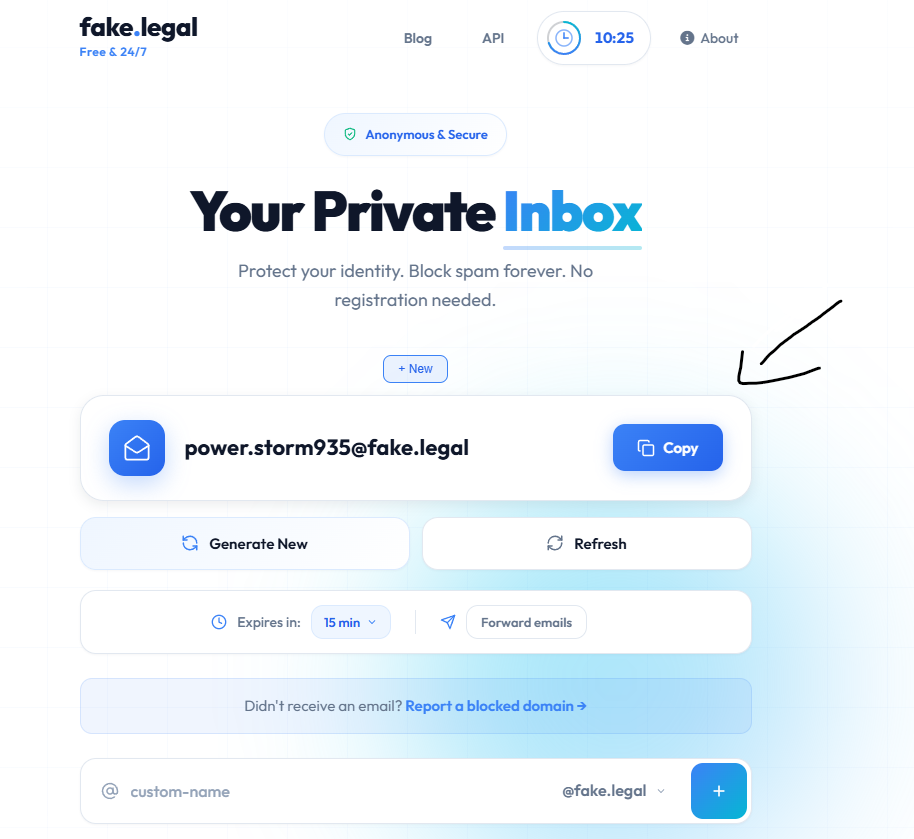
As soon as you open fake.legal, a unique temporary email address is automatically created for you — no account, no password, no personal information required. It's completely anonymous and ready to use instantly.
You'll see your address displayed in the large email box. Simply click "Copy" to copy it to your clipboard and paste it wherever you need it.
Pick a custom name & domain
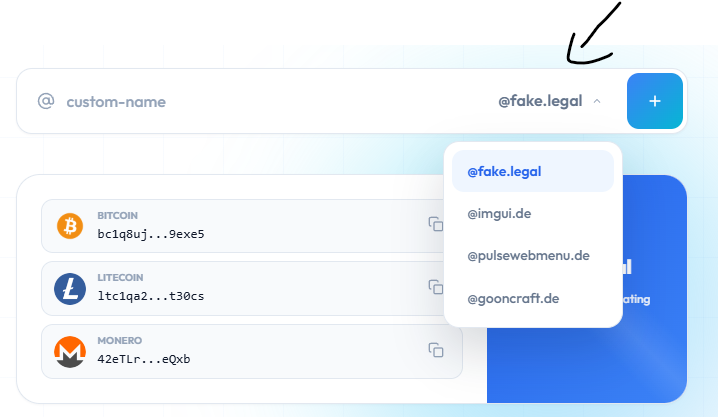
Want something more memorable? Use the custom name field at the bottom of the page to type any username you like. Then click the domain dropdown to choose from multiple available domains — including @fake.legal, @imgui.de, @pulsewebmenu.de, and more.
Once you've chosen your name and domain, click the blue "+" button to activate it as your new inbox.
Generate a new address or refresh anytime
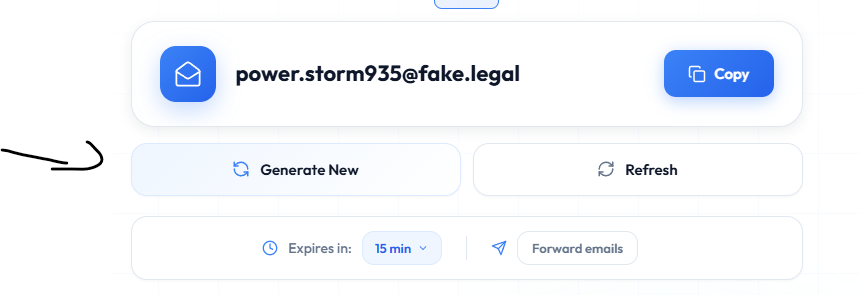
Need a fresh start? Hit "Generate New" to instantly create a brand-new random email address. This is useful when you want a different identity for each service you sign up for.
Already waiting for an email? Click "Refresh" to check for new messages without reloading the whole page. You can also adjust the expiry time using the "Expires in" dropdown.
Complete the quick verification
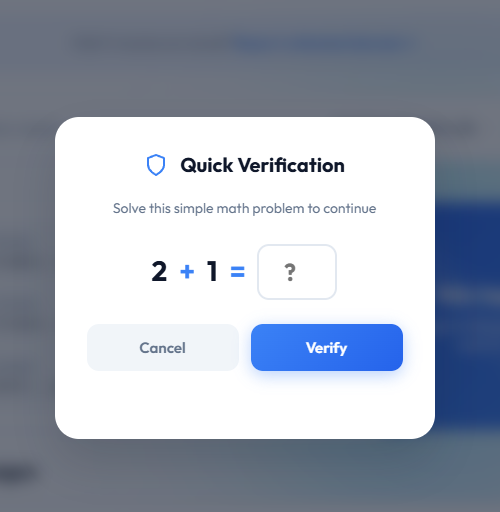
When generating a new address or performing certain actions, you may see a Quick Verification prompt. This is a simple math question (e.g. 2 + 1 = ?) designed to prevent bots from abusing the service.
Just type the answer and click "Verify" — it takes less than 3 seconds and keeps the service fast and reliable for everyone.
Wait for your mail — it arrives automatically
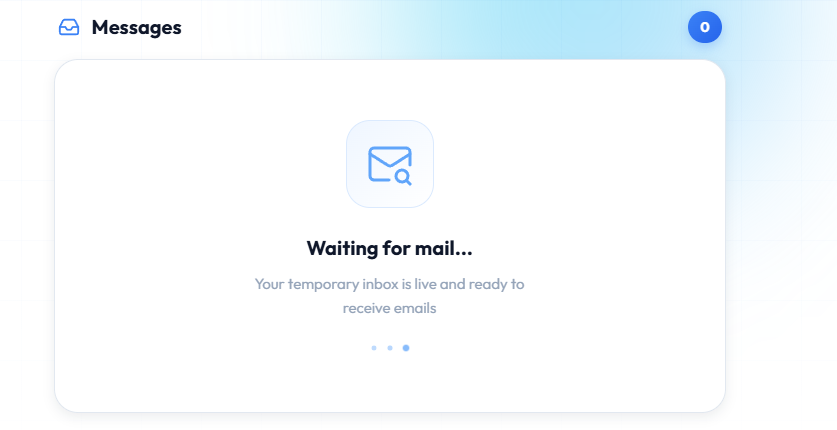
After copying your address and using it to sign up for a service, head back to fake.legal. The Messages section will show "Waiting for mail…" while your inbox is live and listening.
As soon as an email arrives, it will appear here instantly. Click on any message to read the full content — including confirmation links, verification codes, and more.
You're all set — start protecting your privacy
No sign-up. No personal data. Just a clean, private inbox whenever you need one.
Get My Free Inbox